Browser-driving agent that completes web tasks autonomously — booking, shopping, research.
BrowserTool useVisionMemory
Demo · hover to play
Pull structured data from PDFs, scans, web pages, emails — and post it to your warehouse, CRM or accounting system.
Browser-driving agent that completes web tasks autonomously — booking, shopping, research.
Microsoft's AI work assistant — agents across Word, Excel, Outlook, Teams, and the Microsoft 365 stack.
Claude with computer-use capability — sees the screen, moves cursor, types, navigates apps autonomously.

Agentic AI search engine — multi-step web research with citations, code, and image modes.
Visual workflow automation with AI agents — drag-and-drop scenarios across 2,000+ apps.
Microsoft's open-source multi-agent framework — orchestrate conversations between specialised agents.
Open-source framework for orchestrating role-playing autonomous AI agents in collaborative crews.
7,000+ app integrations plus an AI agent layer — your existing automation stack, now with planning.
No-code web scraping and monitoring agents — train on any site by clicking, then schedule.
LangChain's stateful multi-agent framework — graph-based orchestration with persistence and human-in-the-loop.
Browser workflow agent that automates repetitive web tasks across Sheets, CRM, Notion.
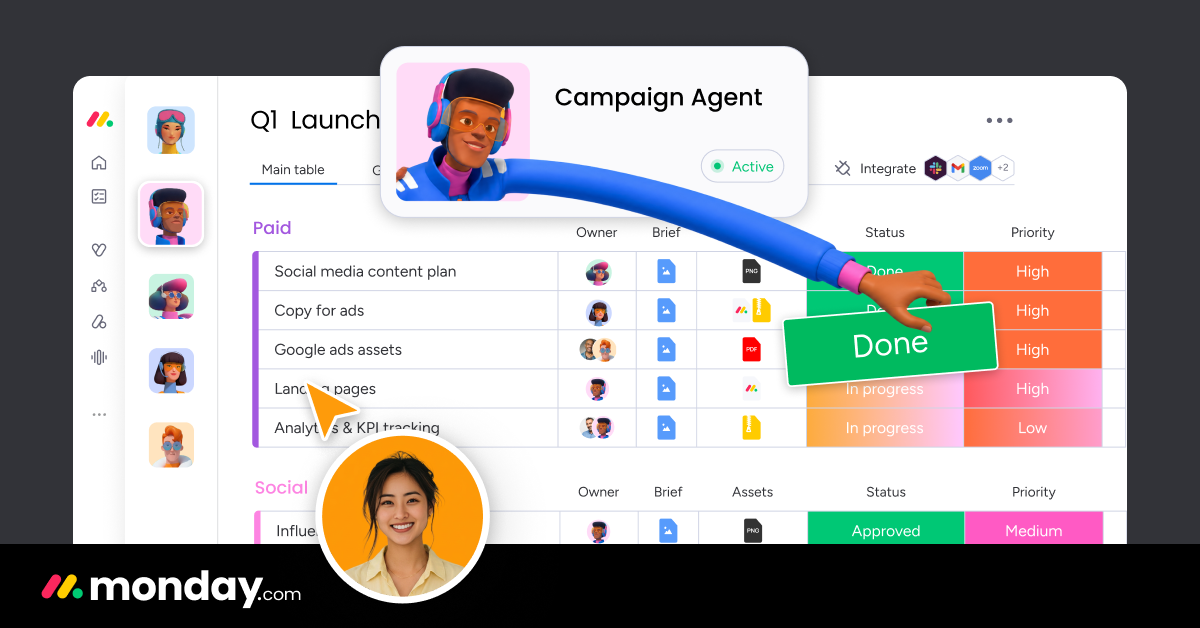
Work-management platform with monday AI — agents that draft updates, summarize boards and automate workflows.
General-purpose agent that turns a single prompt into a finished deliverable.
AGENTS20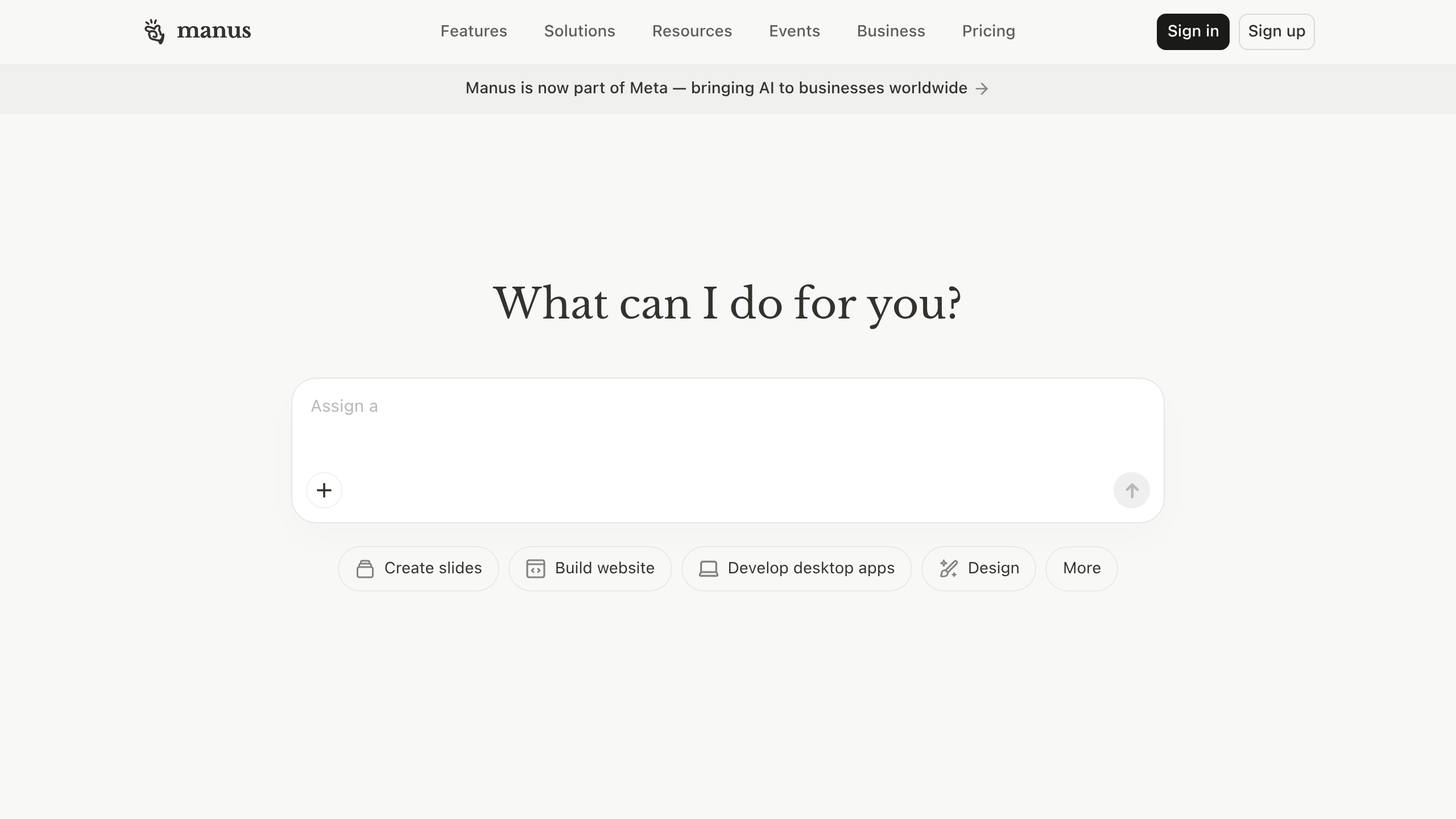
OpenAI's lightweight multi-agent reference implementation — handoff + routine patterns, educational.
Global payroll & hiring platform with Deel AI — an assistant for HR, compliance and contractor ops.
Long-running researcher inside Gemini that plans, browses and writes briefs.
Open-source workflow automation with first-class AI agent nodes — self-host or use cloud.
AI assistant that automates repetitive typing — paste templates and autofill across any web app.
Open-source LLM app & AI-agent builder — visual workflows, RAG pipelines and tool-calling agents.
Pre-built AI employees that automate marketing, sales, support and admin tasks.
Build no-code AI employees for inbox, meetings and CRM updates.
AIAGENTSEnterprise AI worker — unified search, work assistant, and custom agents grounded in your company knowledge.
AI agent inside Linear — triages issues, drafts engineering specs, runs cross-team workflows on tickets.
AI employee for IT and HR — resolves helpdesk tickets, answers policy questions, automates internal ops.
AI legal associate for law firms — drafts, reviews, and researches across complex matters.
Personal AI agent that browses the web for you — books flights, fills forms, completes tasks autonomously.
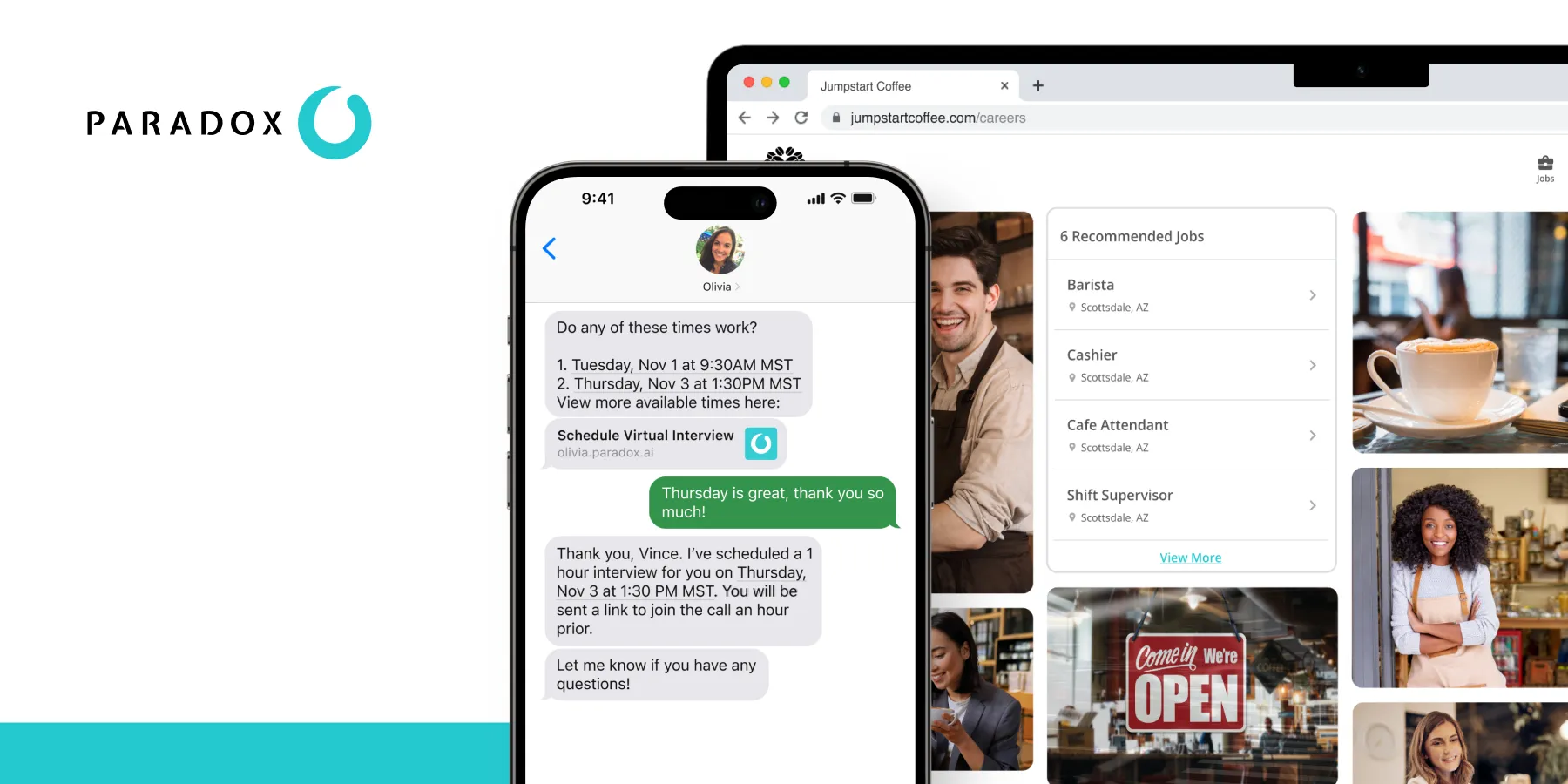
AI recruiter "Olivia" — sources candidates, screens, schedules interviews, and handles onboarding logistics.
Security and IT workflow agents with human-in-the-loop gates — the no-code platform for SOC + ITOps.
Safety-focused AI healthcare agents — patient outreach, intake, chronic-care follow-up.

Autonomous AP accountant — reads invoices, codes GL accounts, routes approvals, posts to your ERP.
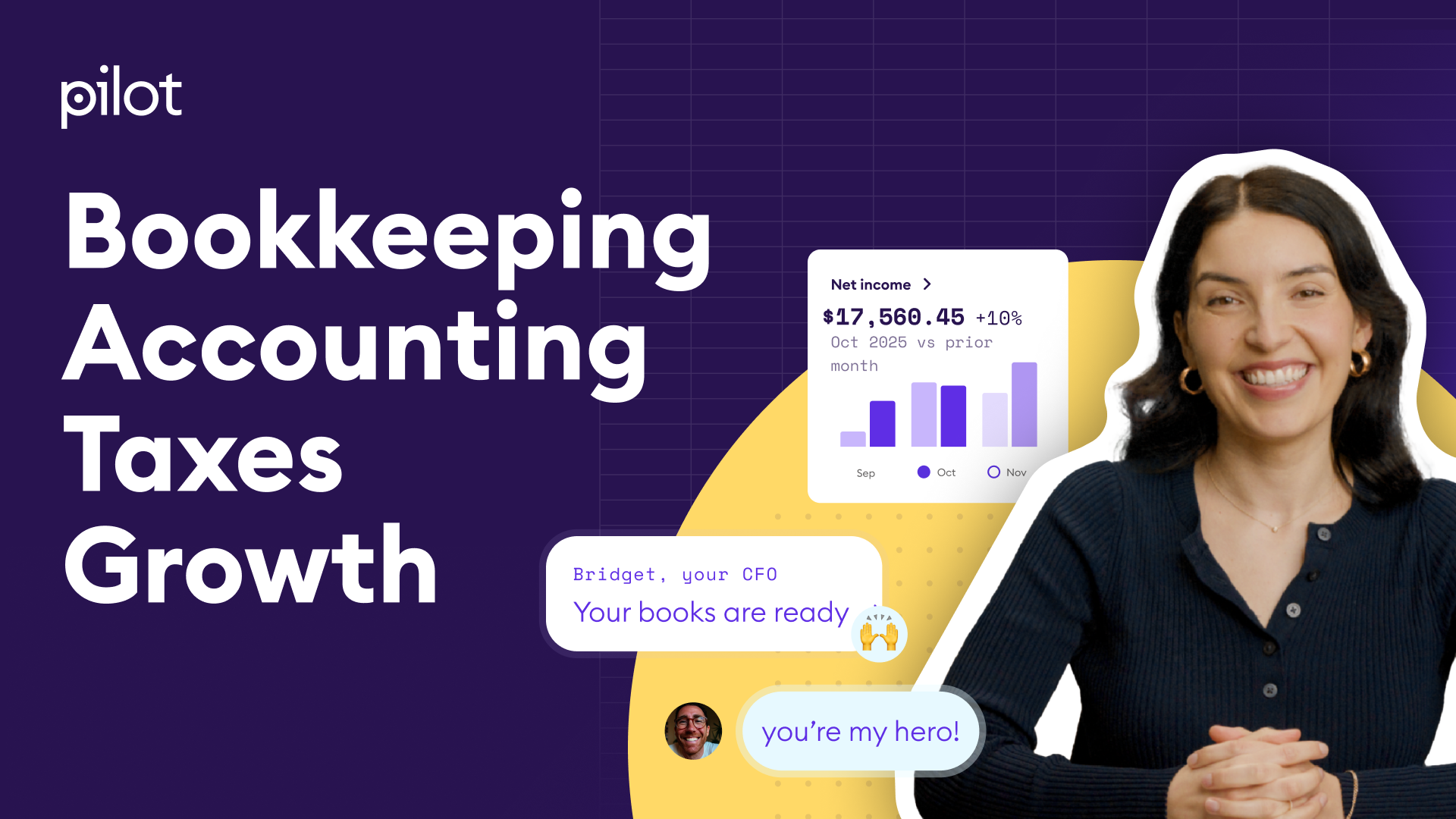
AI-powered bookkeeping and CFO services for startups — autonomous monthly close with human reviewers.
AI talent intelligence — skills-based hiring, internal mobility, and workforce planning powered by deep learning.
Human-in-the-loop workflow agents that connect 100+ apps with approvals.
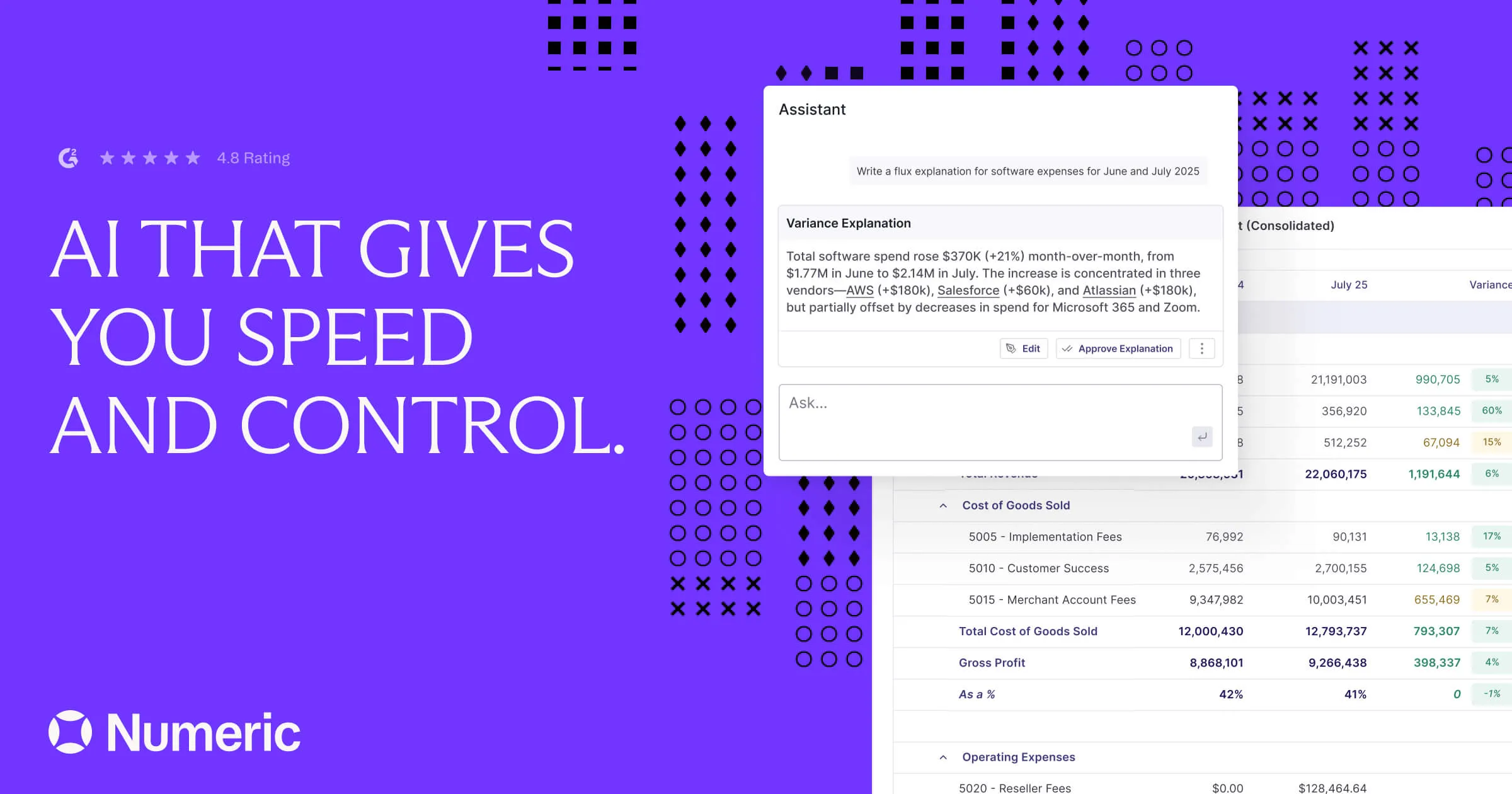
AI controller — autonomous month-end close, reconciliations, flux analysis and variance commentary.
Browser-driving AI agent — completes multi-step workflows on real web apps the way a human would.
AI-driven bookkeeping for SMBs — categorizes transactions, reconciles bank feeds, generates monthly close.
Build durable agents that act on your internal data — open framework.
"Multiplayer AI" — shared, governed company-wide agents across your stack.
Visual no-code platform for building always-on agent workflows.
AI-led sourcing, interviewing, and contracting platform for knowledge work.

Collaborative legal AI agents for due diligence, contract review, and drafting.
Multi-agent orchestration platform from Japan — TRINITY model + finance underwriting agents.
EU-sovereign agentic assistant on Mistral Medium 3.5 with parallel Work mode across SaaS.
Sovereign-AI agent platform for EU governments and regulated industries — PhariaAI.
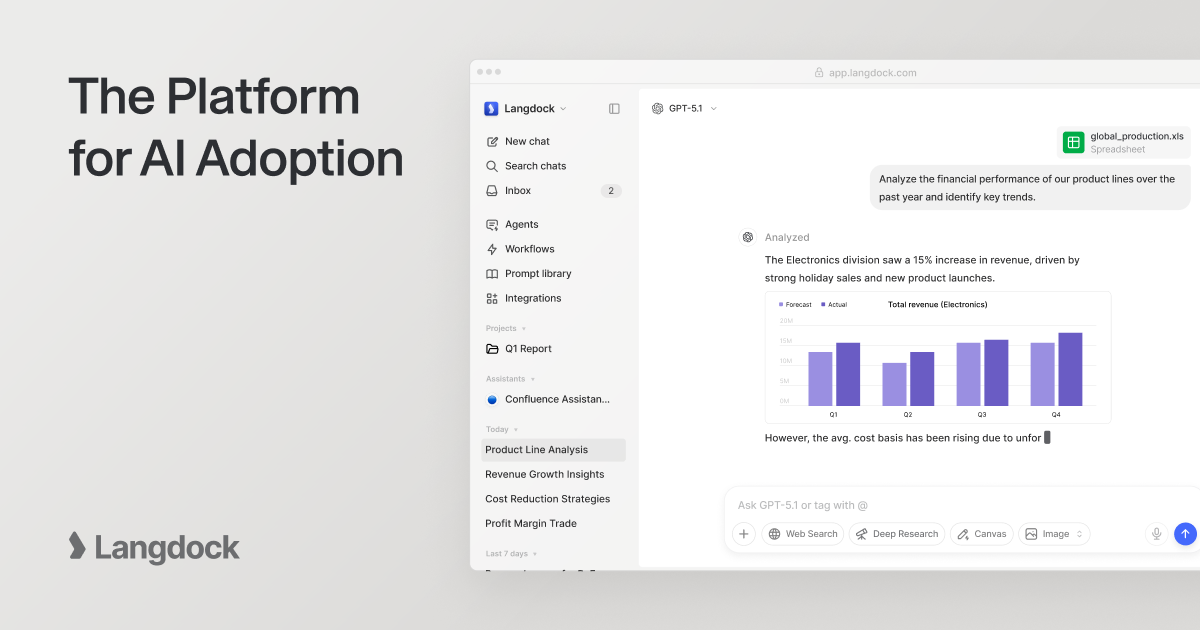
GDPR-native multi-model AI workspace with built-in agent builder — Europe's Glean alternative.
Multi-agent super-agent with built-in AI phone module — research, slides, sheets, real-world calls.
Clinical-intelligence agents enabling 85% real-time prior-auth approvals — CMS-0057 compliant.
Pay-per-task agents for prior auth, denial appeals, and revenue-cycle automation.
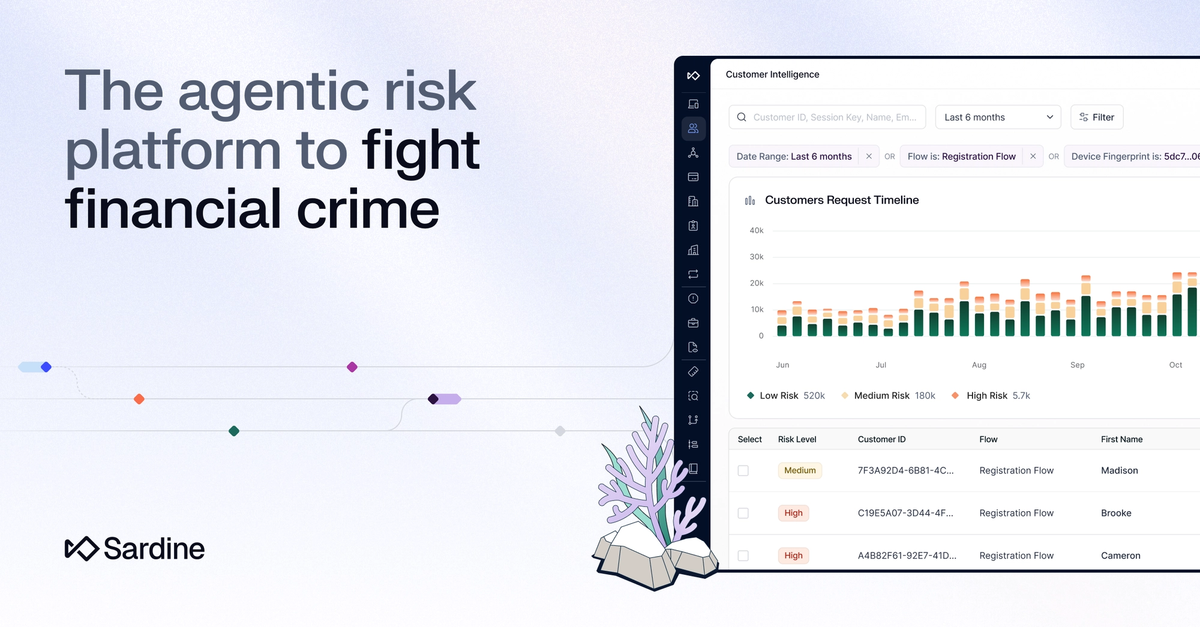
Agentic financial-crime ops — consolidates 11 fraud/KYC vendors, auto-reviews 40% of applications.
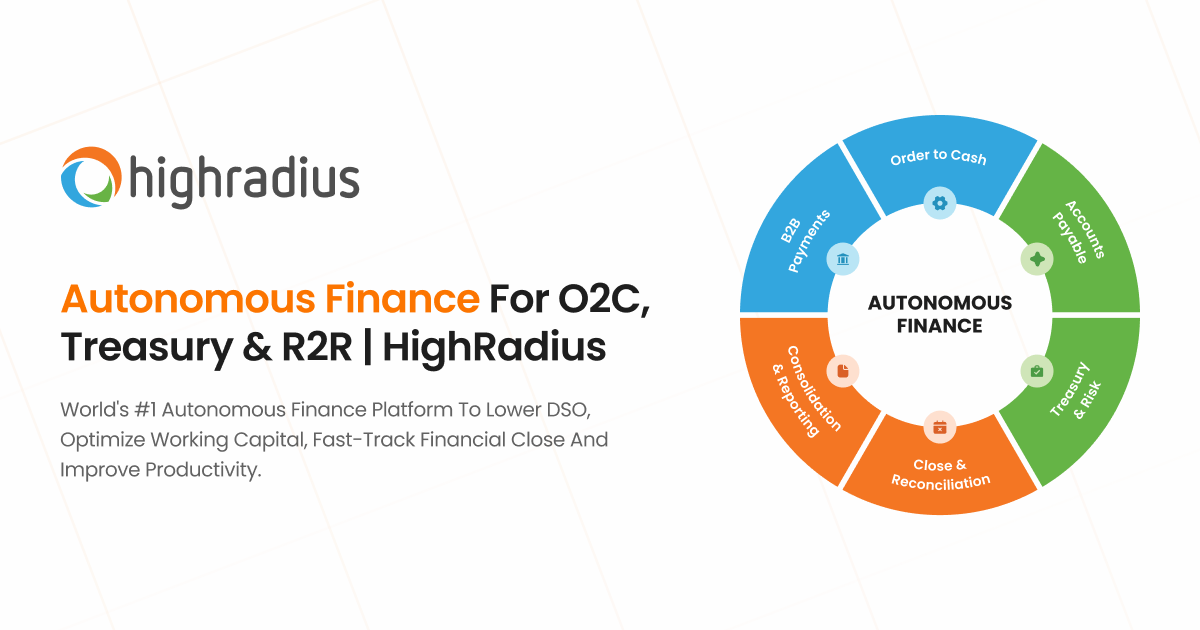
Autonomous agents for AR, cash application, and treasury forecasting at enterprise scale.
Hyperautomation + agentic SOC for autonomous threat response — Forbes "de facto leader".
Web search and research API for agents — used by Clay, Harvey, and Notion in production.

Enterprise "Agent OS" with trust, memory, and multi-agent coordination — built by ex-Atlassian CTO.
Our top picks for data extraction are OpenAI Operator, Microsoft Copilot, Anthropic Computer Use. Rankings reflect community signal, editorial Agent Rank score, and capability match against the data extraction workflow.
For data extraction, prioritize: (1) reliability on edge cases, not just demo workflows; (2) integration with the tools you already use; (3) audit trail when the agent acts on your behalf; (4) cost per successful outcome, not cost per token. Production-grade agents publish at least their evaluation methodology.
21 of the ranked agents have a free tier or are open source: Anthropic Computer Use, You.com, Make.com Agents, AutoGen.